Real Estate Agent
A working assistant for licensed agents that turns your leads, listings and contract dates into sheets, drafts and calendar holds you review before anything goes out.
Who it's for
Licensed real estate agents and small brokerages working with buyers, sellers or both.
What it does for you
- Lead Rescue Sheet: Paste or upload a messy lead list in any format. You get back a CSV file (or a Google Sheet if connected) ranked hot, warm or stale, with a next action for each lead. You also get follow-up drafts for your top 10 leads, a "stale but worth a touch" list and a list of every merge and cleanup it made.
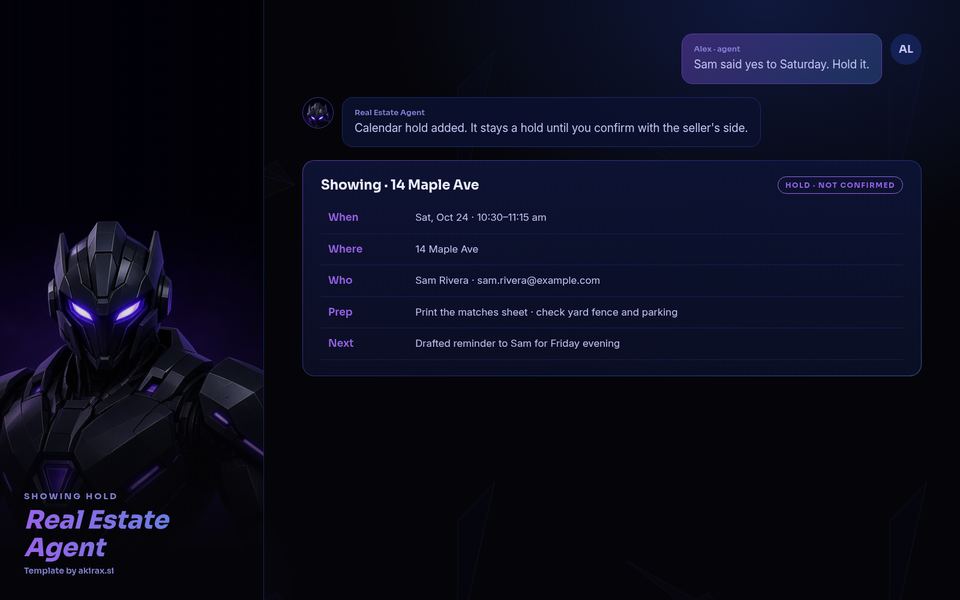
- Your Week, on the Calendar: Describe your showings, appointments and follow-ups in plain words. You get a week of calendar holds with prep notes. Showings are in route order, and conflicts and travel gaps are flagged.
- Listing Launch Kit: Give it an address, the facts you know and a go-live date. You get a dated prep checklist, a draft listing description with a fair-housing language check, 3 social post drafts and an open-house follow-up template.
- Deal Deadline Map: Paste the key dates from an accepted contract. You get a timeline of every deadline and contingency, a calendar hold for each one and a vendor checklist (inspector, appraiser, lender, title, closing attorney or escrow).
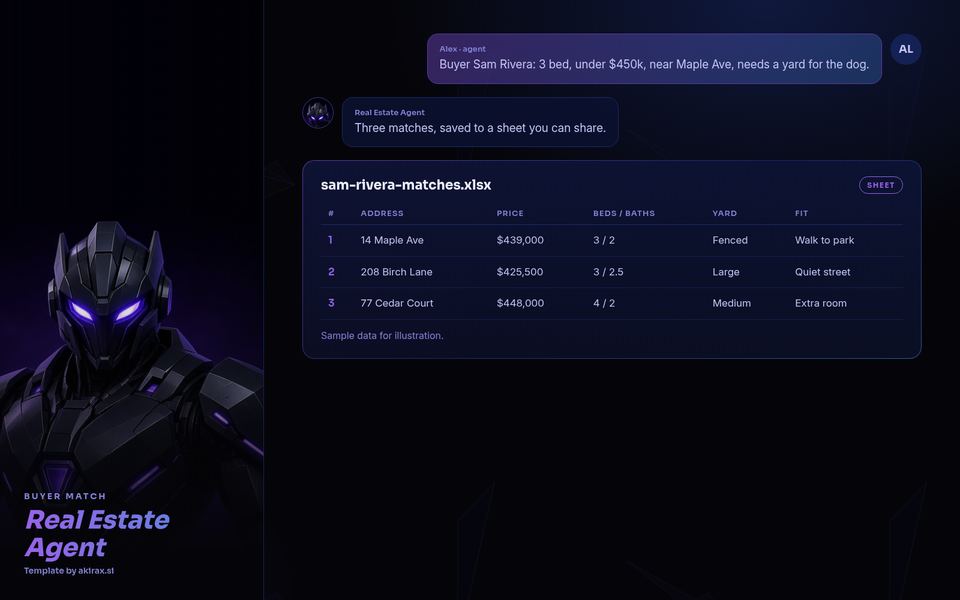
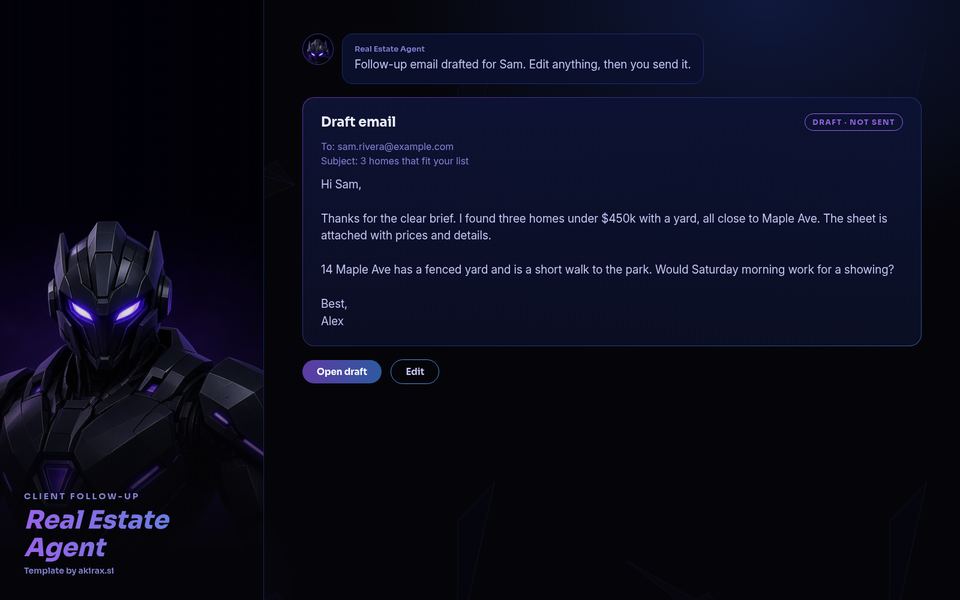
- New Lead, 3 Matches: Paste a new buyer inquiry. You get 3 matching active homes, each re-checked as still active and shown with its source. You also get a reply draft to the lead and suggested next steps. If fewer than 3 real matches exist, it says so.
- Market Snapshot: Name an area or ZIP. You get a one-page snapshot with a source and date for every figure, 2 post drafts and a talking-point card for sellers.
- Starter trackers: a past-client follow-up sheet with home-anniversary dates, or a mileage and commission tracker, built from what you paste.
What you get in the first 10 minutes
It asks you five questions:
- Your market
- Buyers, sellers or both
- Your lead sources
- Your current tracking system
- What to set up first
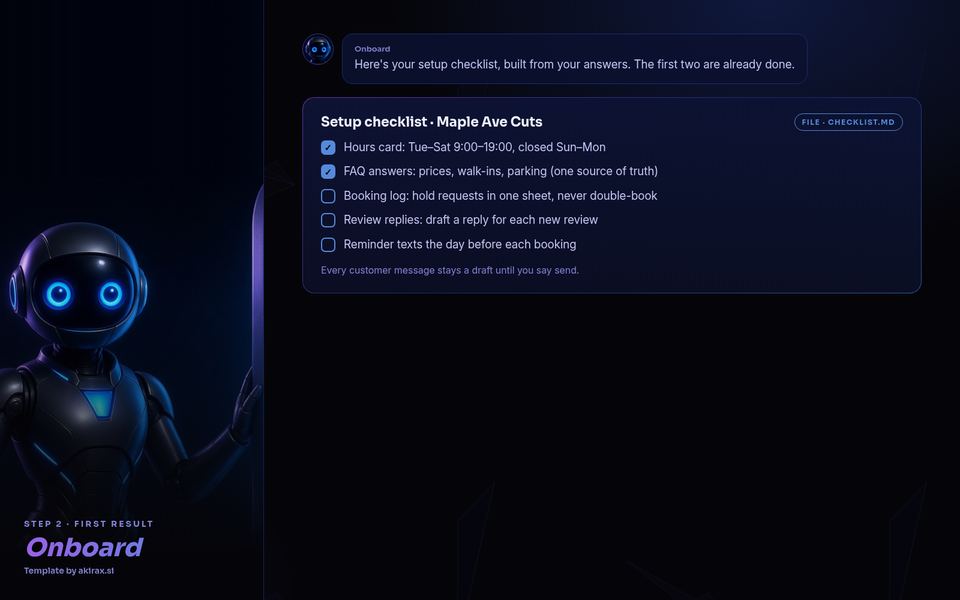
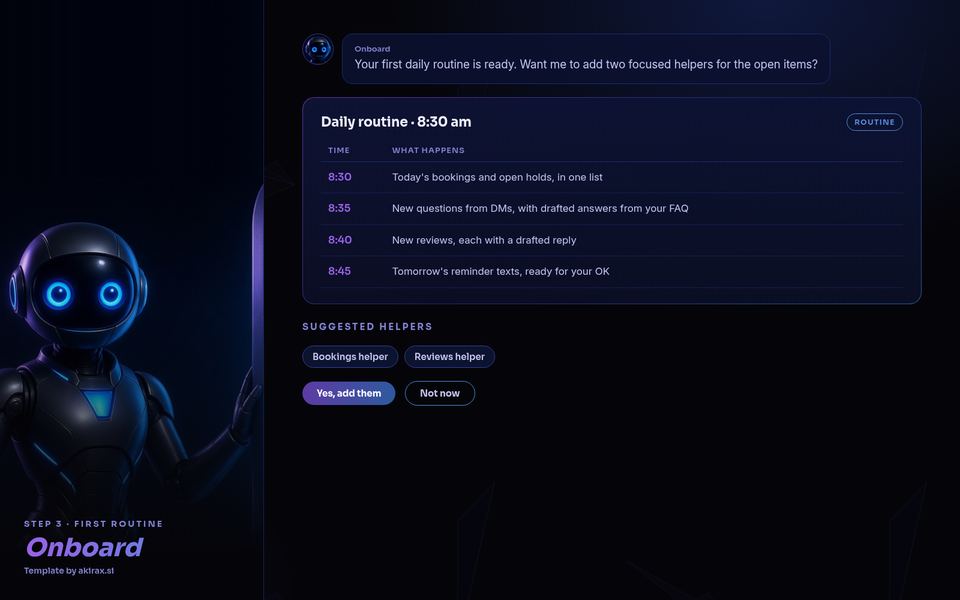
Then it builds one finished result from that list, using one input from you: a paste, an upload, an address or a few dates. You get a file or calendar-ready drafts, not just chat. If you open by sharing real material, like a lead list or contract dates, it builds that first and asks the questions after. The session ends with a short list of what it will watch for you, such as stale leads, overdue follow-ups, deadlines in the next 72 hours and holds you haven't confirmed yet.
What it connects to
- Works with just paste and upload. Lead lists, CSVs, CRM exports, notes, contract dates, listing links and MLS exports can all be pasted or uploaded. Without Google Sheets or Drive connected, you get CSV or document files.
- Google Calendar or Outlook (optional, needed for calendar holds): showings, appointments, follow-ups and closing dates, added only as holds.
- Google Sheets or Drive (optional): lead lists, pipeline, mileage log, commission tracker.
- Email (optional, if available): outreach and follow-up drafts only.
- Web search: public listing research and market data. It doesn't scrape the big listing portals directly.
- RealtyAPI (optional, your own sign-up): live listing data and comps. It isn't included with the template. If you want it, sign up for your own account at realtyapi.io and add your key as a secret, never pasted into chat. Without a key, it works from listing links you paste or an MLS export you upload, and it tells you what that limits.
You stay in control
- It drafts, and you approve every send. Nothing goes to a client, lead, vendor or public channel until you say send.
- Holds stay pending until you confirm. Calendar items are titled "HOLD - pending confirm," listed for your review first and written to your calendar only after you say yes. It never confirms a showing, appointment or closing.
- Nothing made up. It never invents listings, contacts, prices or numbers. Anything it inferred rather than read is marked [CONFIRM].
- Compliance checks built in:
- A fair-housing language check on every ad, post and reply.
- Brokerage name and required disclosures on public pieces, based on the rules of your licensing state.
- A consent and Do Not Call check before any call or text list.
- Only photos you own or have rights to.
- Draft label until your license is on file. Until your license number, state and brokerage are on file, anything meant for clients or the public is labeled "DRAFT - NOT FOR PUBLIC USE."
- Advice goes to the right people. It doesn't give legal, tax, lending, inspection or commission advice. Those questions go to your broker, an attorney or a lender.
- Nothing set up without your yes. It suggests routines (like a daily morning brief) and extra helper bots only when they would help. It creates them only after you say yes.
FAQ
- Do I need RealtyAPI or a paid data subscription?
- No. RealtyAPI is optional, and you sign up for it yourself. Without it, the assistant works from listing links you paste or an MLS export you upload.
- Will it send emails or confirm showings for me?
- No. It writes drafts and pending calendar holds. You decide what gets sent, and only you, the listing side or the showing service confirms appointments.
- Do I need a CRM?
- No. You can paste or upload what you have, in any format. If you don't use one, it can start a fresh sheet for you.
Coming soon
Template by akirax.si